Your phone battery, explained: what actually helps
Heat is the enemy, 20–80% is the sweet spot and most of the old advice is out of date.

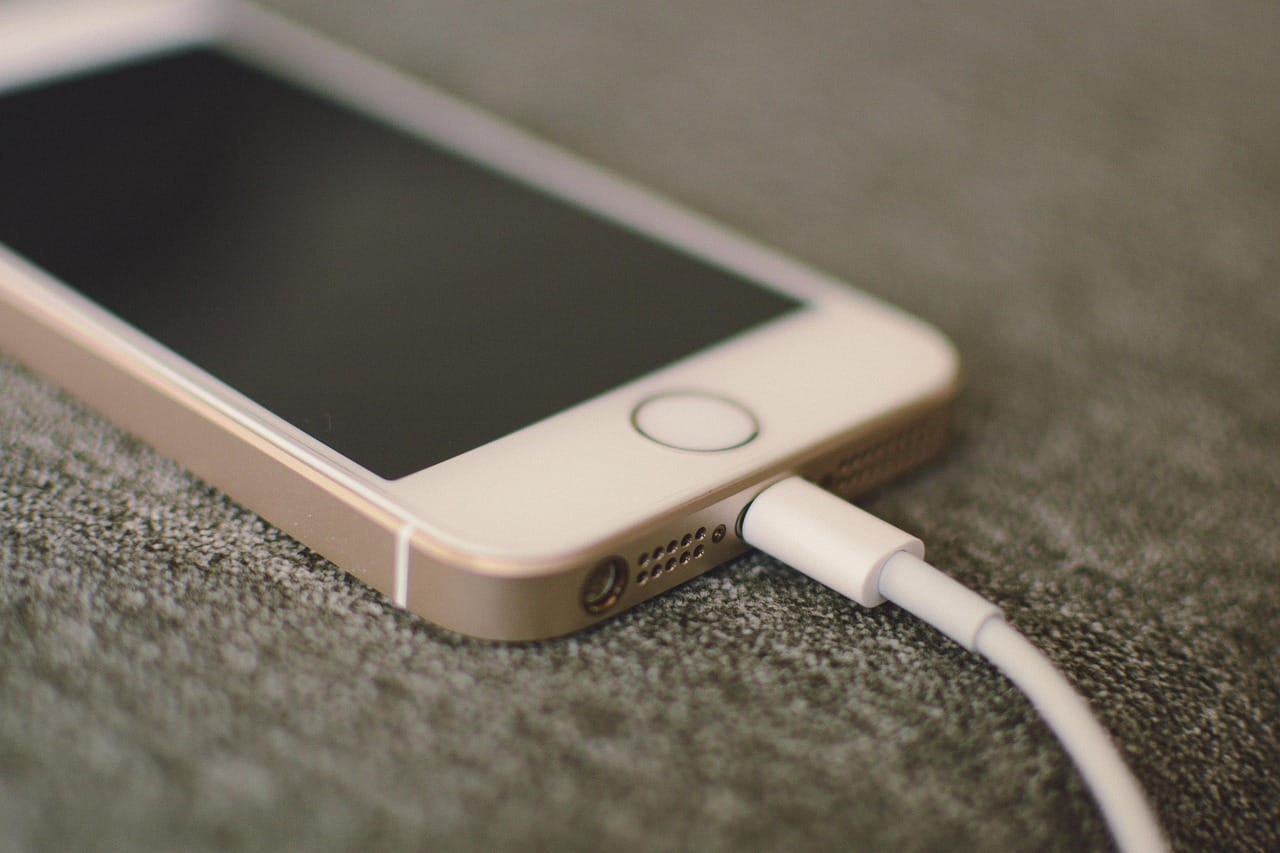
Your phone battery is slowly wearing out, and nothing can stop it completely. But the way you charge and use your phone changes how quickly that happens. Some of the most common advice is out of date, and a few simple habits make much more difference than any app. Here is what actually helps.
How phone batteries age
Almost every phone uses a lithium-ion battery. Each time you charge and use it, tiny chemical changes build up inside the cells and reduce how much energy they can hold. After a few hundred full charge cycles, a typical battery holds noticeably less than when it was new.
Two things speed this up the most: heat and time spent at very high or very low charge. A battery that sits at 100% in a hot car ages far faster than one that sits at 50% in a cool room.
Heat first
Heat is the biggest single factor. Avoid leaving your phone in direct sun, on the dashboard or under a pillow while charging. Fast charging and wireless charging produce more heat than slow cable charging, so if your phone feels hot while charging, take it out of a thick case.
If your phone feels warm in your hand, the battery is ageing faster.
Priya Raman
The 20–80 rule
Lithium-ion batteries are least stressed in the middle of their range. You do not need to be strict about it, and there is no need to drain your battery to zero; in fact, deep discharges are harmful. Most modern phones have an "optimised charging" setting that learns your routine and waits at 80% until just before you usually unplug. Turn it on.

Myths to forget
- You do not need to fully drain a new phone to "calibrate" it.
- Charging overnight is fine with optimised charging turned on.
- Closing apps rarely saves battery and can use more.
- Third-party chargers are fine if they are certified; cheap uncertified ones are not.
| Habit | Effect on battery life |
|---|---|
| Keeping the phone cool | Large |
| Optimised charging on | Large |
| Avoiding 0% | Medium |
| Closing apps | Little or none |
When to replace it
When your phone shuts down unexpectedly, lasts much less than a day or shows a low battery health reading in settings, a battery replacement is usually far cheaper than a new phone and gives it years more life.
Understanding battery health
Most phones now show a "battery health" or "maximum capacity" figure in their settings. A new battery shows 100%. As it ages, the number falls. At around 80%, most people notice the phone no longer lasts a full day of normal use, and many manufacturers consider the battery worn out.
Some phones also slow down slightly when an old battery can no longer supply enough power at peak moments, to avoid sudden shutdowns. If your phone feels slower than it used to and the battery health figure is low, a replacement battery can make it feel new again.
Laptops, headphones and everything else
The same rules apply to almost everything with a rechargeable battery: laptops, tablets, wireless headphones, electric toothbrushes and even electric bikes. Keep them cool, avoid leaving them at 0% or 100% for long periods, and use the manufacturer's battery-saving settings. For devices you store for a long time, such as a spare laptop, leave the battery at around half charge and top it up every few months.
Most laptops now have a setting to limit charging to around 80% when they are usually plugged in at a desk. If yours does, it is one of the easiest ways to make the battery last years longer.